

The immersive world of video games has the potential to broaden a person’s perspective in incredible and unique ways. To interact with them, however, players are required to operate a controller or keyboard.
And, because most equipment - including gaming chairs and controllers - is not totally ergonomic, many gamers suffer. Gamers hands is an umbrella term used to describe conditions that affect the hands, wrists, and arms of people who play video games.
In this article, we’re going to talk about it.
We’ll be discussing what gamer hand syndrome actually is and how you can fix a sore hand from gaming. Then, we’ll be talking about how gamers take care of their hands and the best stretches to help you prepare for gaming.
What is Gamer Hand Syndrome?
Depending on the controller/keyboard a gamer is using, there are several conditions that can affect their hands and wrists. These conditions are commonly known as “gamer hand syndrome”, and are mostly caused by extensive gaming. According to orthopedic professionals the most common forms of gamer hand syndrome are:
- Gamer’s Thumb
- Carpal Tunnel
- Trigger Finger

How do You Fix a Sore Hand From Gaming?
Dealing with a sore hand during or after a gaming session can be incredibly frustrating. This is especially true for people who take their video games seriously. Thankfully, there is hope for pain relief! Experts recommend that you focus on two major areas when looking to improve a sore hand from gaming:
- Rest
Allow yourself a 5-minute break for every 30-minutes of game time. Make sure to ice your hands and wrists if they ever feel hot or sore.
2. Improve Your Posture
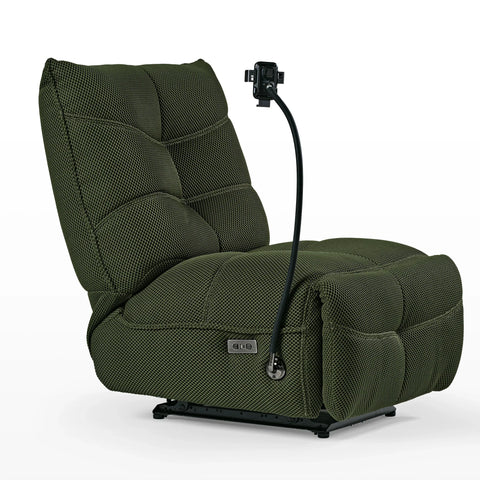
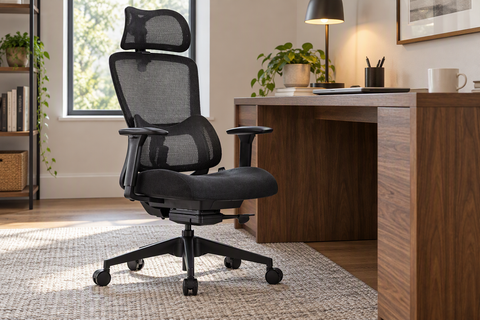
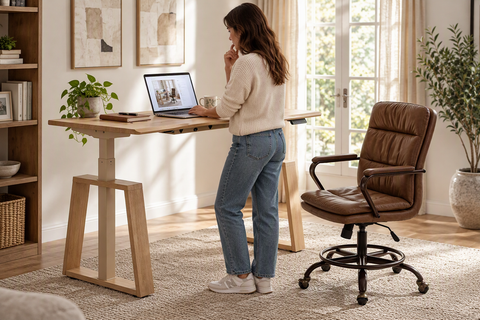
Take your gaming chairs and set up seriously. This is the best way to support your body while you play. A standing desk is a great way to reduce hand and wrist strain.
How do Gamers Take Care of Their Hands?
The best way for gamers to take care of their hands, allowing themselves the most play time, is to create a healthy gaming environment. Pain and injuries can be prevented with a little mindfulness. Some strategies to help prevent gamers hands are to:
- Set Boundaries
Set a timer to go off every 30 minutes so that you never forget to take a break. Get up, stretch, and loosen your hands and fingers.
- Keep a Loose Grip
When you are playing, a loose and relaxed grip helps prevent strain and tension. Don’t forget to turn down the vibration intensity to decrease the force in your hands.
- Stretch
You should always stretch before a gaming session and during your break time. This is an extremely effective way to prevent your hands from cramping up or suffering repetitive strain.
How Do You Stretch Your Hands for Gaming?
Palm, finger, and wrist exercises are critical for preventing gamers hands. These help keep the blood flowing to all extremities, and prevent too much stress on the muscles, tendons, and ligaments of a gamer.
There are some especially helpful stretches for people who play video games, and they should be done multiple times per day. They are:
- The Prayer Stretch
- Wrist Joint Circles
- The Wide Finger Stretch
- Tendon Glides
- Thumb Stretches
- Check out the GIF below that is for knitters but also perfect for gamers hands!

Not All Gaming Chairs Are Built The Same
Let me rephrase when I mentioned most gaming chairs. The incredible Typhon COD MWii ergonomic gaming chair would not fit into that category. It includes a self-adaptive dual backrest that is designed to provide full support to the neck, back and most importantly the lumbar.
Most other gaming chair have a split back or dual back. It’s responsive not only to the curves of the body but also the weight. Read more about the Typhon COD MWii ergonomic gaming chair here.





Leave a comment