Skip to product grid

14 products

Experience Unparalleled Comfort and Style with Eureka's Executive Chairs

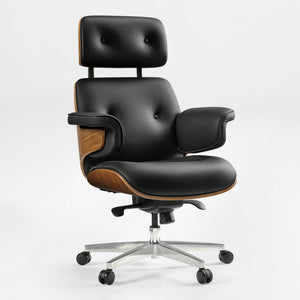
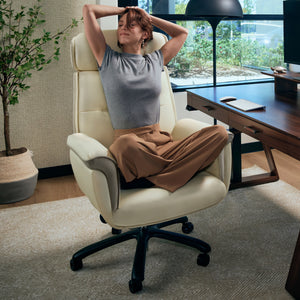
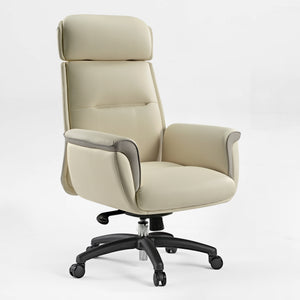
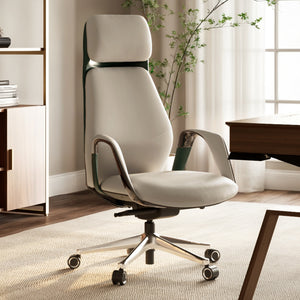
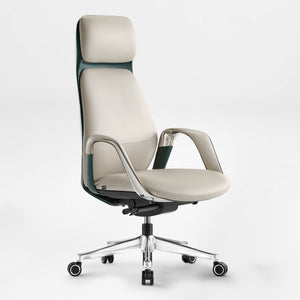
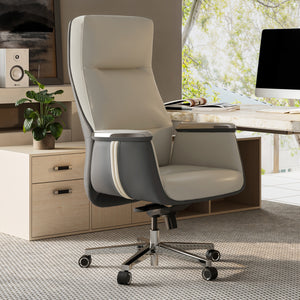
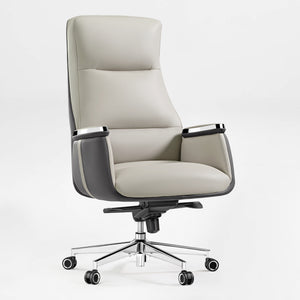
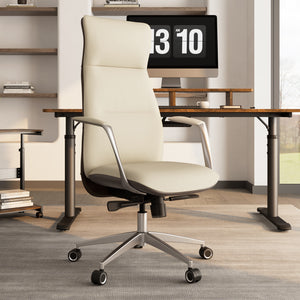
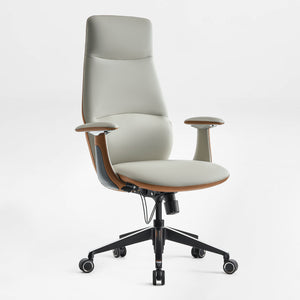
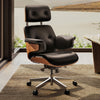
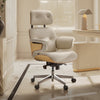
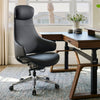
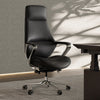
An executive office chair should bring together a professional presence, lasting comfort, and support tailored to the way you work. Eureka’s collection of executive chairs includes leather office chair options in genuine Napa leather, microfiber leather, silicone leather, and faux leather, with silhouettes suited to home offices, private offices, conference rooms, and leadership workspaces.

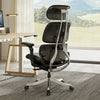
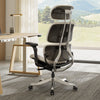
From statement-making high-back designs to more streamlined ergonomic executive chairs, the collection offers model-specific features such as adjustable headrests, lumbar support, seat-depth adjustment, and recline functions. Explore executive chairs designed to help you stay comfortable and focused through meetings, concentrated desk work, and long workdays.
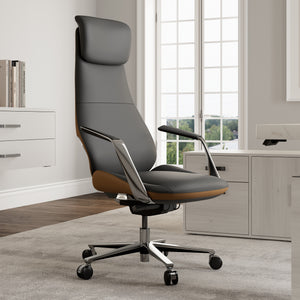
Why Choose a Eureka Ergonomic Executive Chair?
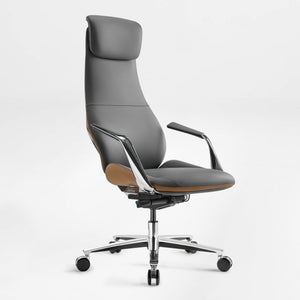
● Premium Upholstery Options: Choose from executive office chairs upholstered in genuine Napa leather, microfiber leather, silicone leather, or faux leather. Material availability varies by model, so you can find a leather office chair look and feel that fits your workspace and preferences.

● Model-Specific Ergonomic Adjustments: Selected executive chairs offer features such as adjustable lumbar support, headrests, seat-depth adjustment, height adjustment, and recline-and-lock functions. Check each product page to compare the adjustments available on your preferred model.

● Professional Design for Different Workspaces: From mid-century-inspired wood accents to sleek contemporary finishes, these executive chairs are designed to complement home offices, private offices, and polished professional settings.

● Options for Different Fits: The collection includes streamlined and generously sized designs. For example, Mathias offers Standard, XL, and Pro versions to help shoppers choose an executive office chair suited to their height and preferred seating profile. Explore the collection to compare materials, dimensions, and adjustment options.

Product Comparison

Compare three featured executive office chairs to find the material, adjustment options, and fit that best suit your workspace. Product options and availability can change, so please refer to each product page before purchasing.

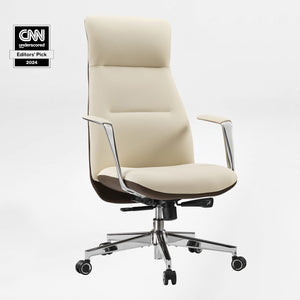
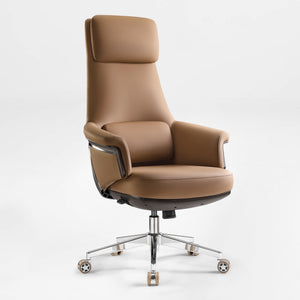
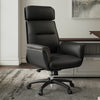
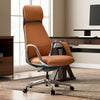
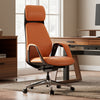
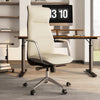
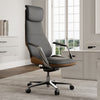
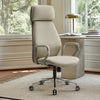
SERENE Executive Office Chair

• Material: Genuine Napa leather upholstery

• Color(s): Beige, Black, Clay, Orange

• Recline: 90° to 135° with four locking positions

• Ergonomic Features: Bionic 3-dimensional lumbar support, adjustable seat depth, adjustable headrest, and recline tension adjustment

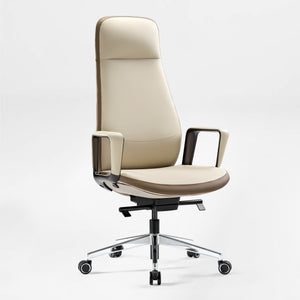
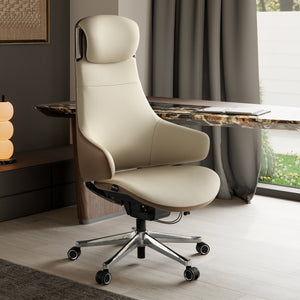
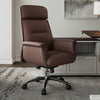
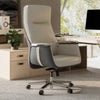
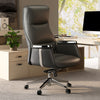
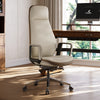
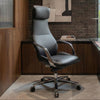
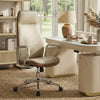
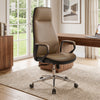
ROYAL Executive Office Chair

• Material: Microfiber leather

• Color(s): Beige White, Black, Brown

• Recline: Reclinable seat

• Ergonomic Features: Height-adjustable headrest and a comfort-focused upholstered seat for long workdays

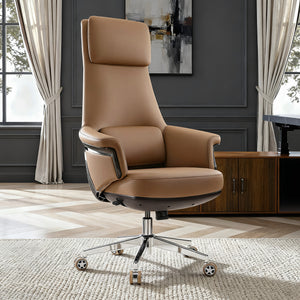
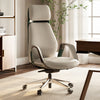
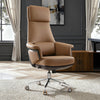
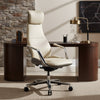
Mathias Genuine Leather Executive Office Chair

• Upholstery: Napa leather, with fabric options shown on the product page

• Versions: Standard for users 5'3" to 6', XL for users 6' to 6'6", and Pro for users 5'3" to 6'

• Design Features: Three-zone contoured backrest, padded armrests, and leather-and-bentwood styling

• Note: Color and upholstery availability varies by version.

FAQ


Experience Unparalleled Comfort and Style with Eureka Executive Chairs

The primary differences between an executive chair and a task chair are found in their design, size, materials, and intended function.

● Executive Chairs are designed with an emphasis on luxury, style, and long-term comfort.

○ Size & Appearance: An executive chair is typically larger, with a high back, a built-in headrest, and more substantial padding. Its imposing size is meant to convey a sense of authority.

○ Materials: These chairs often feature premium materials such as genuine leather, plush microfiber, and wood or polished metal accents.

○ Function: While adjustable, the focus is on providing a comfortable, stately seating experience for individuals who spend most of their day at one desk.

● Task Chairs are built with versatility, adaptability, and active work in mind.

○ Size & Appearance: A task chair is generally more compact and less imposing. Its design prioritizes function over aesthetics.

○ Materials: Task chairs commonly use durable materials like mesh and fabric that are breathable and easy to maintain.

○ Function: The defining feature of a task chair is its wide range of ergonomic adjustments. These often include adjustable seat height, seat depth, armrest position, and advanced tilt-lock mechanisms to provide tailored support for various activities, from typing to leaning back.

What Is the Difference Between an Office Chair and an Executive Chair?

An executive chair is a type of office chair designed with a more substantial silhouette, elevated comfort, and a polished professional look. Executive office chairs often feature high backs, supportive cushioning, premium upholstery, and model-specific ergonomic adjustments. In this collection, shoppers can compare leather, microfiber leather, silicone leather, and faux leather options to find an executive chair suited to their workspace.

How to Lower an Executive Chair?

On executive chairs with pneumatic height adjustment, sit in the chair and lift the height-adjustment lever or paddle located beneath the seat. Your body weight will lower the seat. Release the lever once your feet rest flat on the floor and your knees are comfortably positioned at roughly a right angle. Refer to the product manual for model-specific adjustment instructions.

Should Your Back Be Flat Against a Chair?

For a supported seated posture, sit with your hips back in the chair and allow the backrest to support the natural curve of your lower back. Adjust the chair height, lumbar support, seat depth, and headrest, where available, so that the setup feels comfortable for your body and desk height. Avoid forcing your back completely flat against the backrest.

How to Sit to Avoid a Neck Hump?

To avoid a "neck hump" (kyphosis), maintain good posture. Sit up straight with your shoulders back and your head in a neutral position. Avoid tilting your head forward for extended periods. Strengthen your neck and upper back muscles with exercises like chin tucks and shoulder blade squeezes. Also, ensure your computer monitor is at eye level to prevent you from looking down.