Skip to product grid

44 products

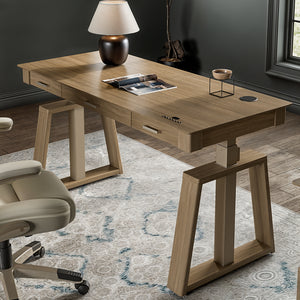
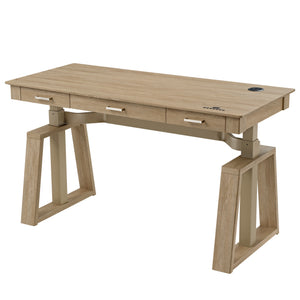
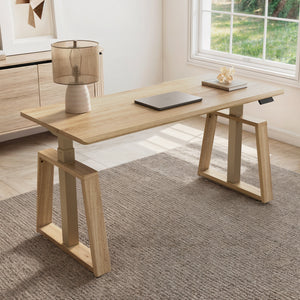
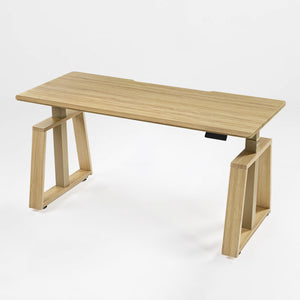
Best Desks on sale in Eureka Ergonomic

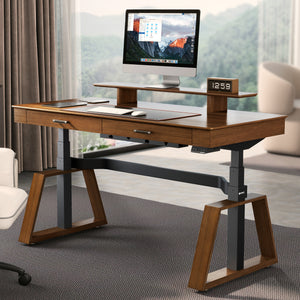
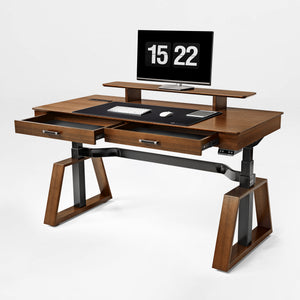
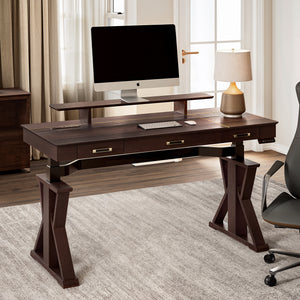
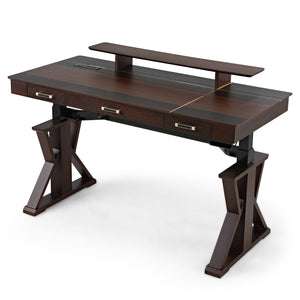
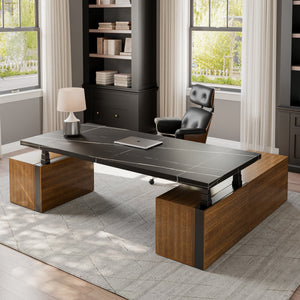
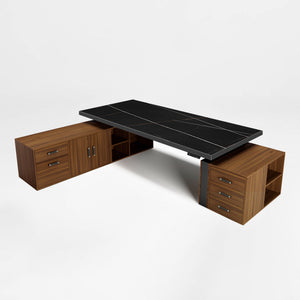
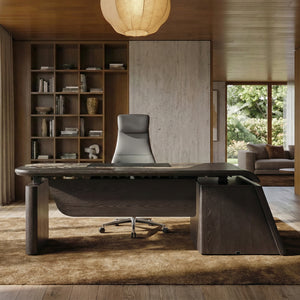
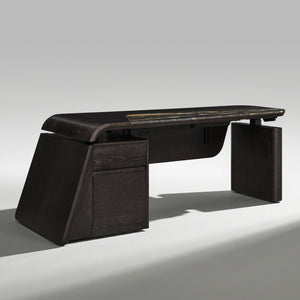
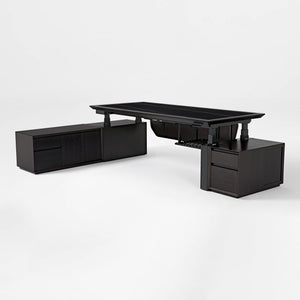
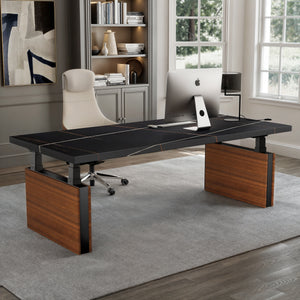
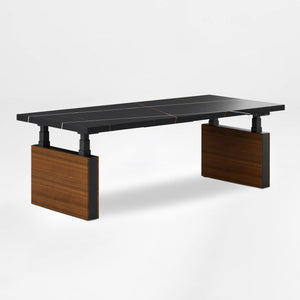
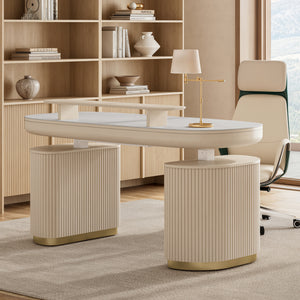
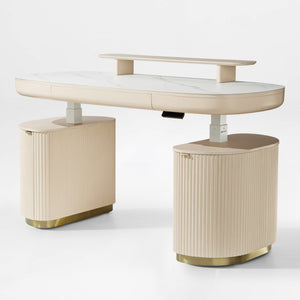
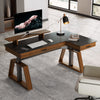
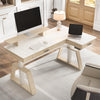
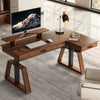
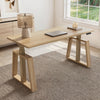
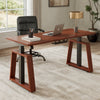
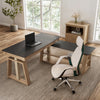
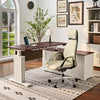
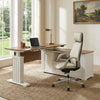
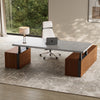
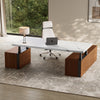
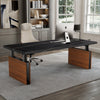
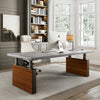
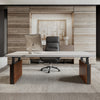
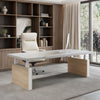
Desks for sale include gaming computer desks, l shaped desks, standing desks,  home office desks, executive office desks, and more.

Eureka Ergonomic Computer Desks: Work, Play, and Create in Comfort and Style

Find the ideal focal point for your home office, gaming room, creative studio, or corporate workspace. We believe a desk should do much more than simply hold your equipment, it needs to support your posture, streamline your daily workflow, and seamlessly match your interior design.

From marathon gaming sessions and multi-monitor creative projects to outfitting an entire commercial department, Eureka Ergonomic designs desks that adapt perfectly to the way you work and play. Our collection offers versatile, high-performance solutions for any environment.

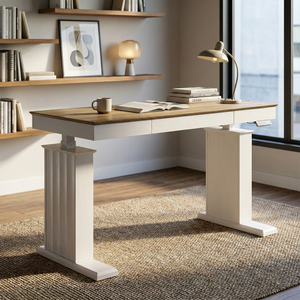
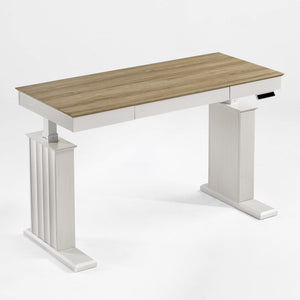
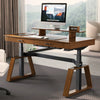
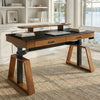
  • Standing Desks: Support a healthier daily routine with our electric height-adjustable ergonomic desks. By making it easy to transition smoothly between sitting and standing, these desks encourage natural movement to keep you energized and focused throughout the day.
  • Gaming Desks: Engineered for peak performance and immersion. With spacious tops, vibrant RGB lighting, cup holders, headphone hooks, and smart cable management, these setups keep your gear perfectly organized so your attention stays completely on the game.
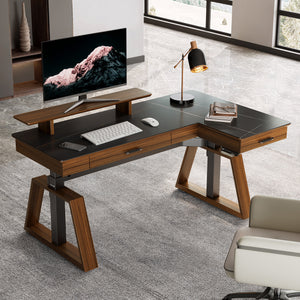
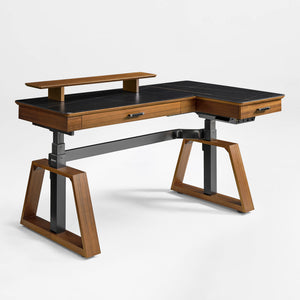
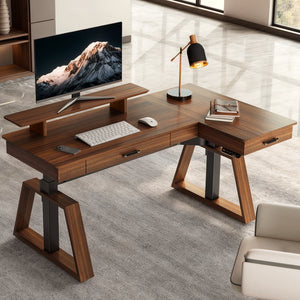
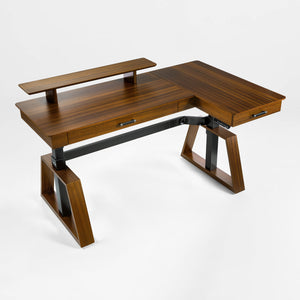
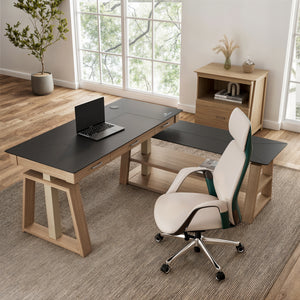
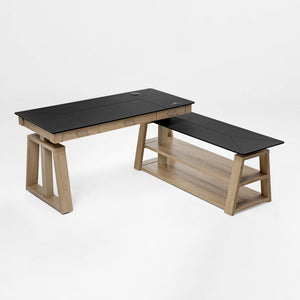
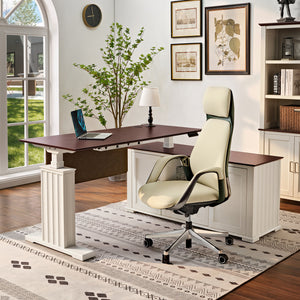
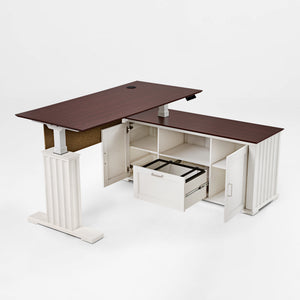
  • L-Shaped Desks: Maximize your floor plan with an L-shaped or corner workstation. If your setup requires a large desk, these designs provide a long computer desk surface with plenty of room for multiple monitors and peripherals. For users needing a deep desk or a big desk layout for complex configurations, our L-shaped models offer maximum capacity. We also feature compact designs for tighter commercial spaces, ensuring practical functionality without feeling cluttered.
  • Ergonomic Desks: Comfort is built into every detail. From curved front edges that ease wrist strain to advanced lifting mechanisms tailored for commercial environments, our ergonomic options prioritize long-term wellness and daily efficiency.

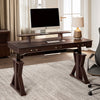
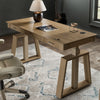
Keeping your workspace uncluttered is effortless with our storage-integrated options, featuring smart drawers and shelving for your daily essentials. We also offer a variety of premium finishes—such as sleek glass, classic wood, and minimalist white—designed to balance lasting durability with sophisticated aesthetics.

Investing in a Eureka Ergonomic computer desk means choosing smart design and reliable structural integrity. From upgrading a personal home office to sourcing furniture for a corporate project, our collection delivers the exact aesthetic and functionality you need.

Discover the perfect foundation for your workspace in our collection today.

FAQ


What Is the Difference Between a Computer Table and a Computer Desk?

A computer table and a computer desk are mostly different in how they look and how they work. A computer table is usually a simple piece of furniture with a flat top and legs that can hold a computer and its accessories.

Computer desks are intended for computers and often have ergonomic and organizational features. These may include:

● Storage: Drawers, shelves, and cabinets for storing office supplies, documents, and other items.

● Cable Management: Built-in systems to hide and organize cables for a cleaner and safer workspace.

● Keyboard Trays: A sliding tray for your keyboard and mouse, which can improve ergonomics by placing them at a more comfortable height.

● Ergonomic Design: Contoured edges, adjustable height, and other features designed to reduce strain and improve comfort during long hours of use.

In essence, while any table can be used for a computer, a computer desk is a specialized piece of furniture that is optimized for that purpose.

What’s the Difference Between a Writing Desk and a Computer Desk?

While both are workspaces, writing desks and computer desks are designed for different primary functions.

● Writing Desks: The purpose of a writing desk is to facilitate manual writing, sketching, or other similar activities, as the name implies. Usually, they are smaller and more elegant than computer desks. They have a flat, simple surface and a few small drawers for pens, paper, and other workplace supplies. Creating a relaxing and uncluttered writing environment is the main goal.

● Computer Desks: Computer desks are built to accommodate the bulk and accessories of a computer setup. They are generally larger and more robust, with features like:

○ Deeper surfaces to accommodate monitors, keyboards, and mice.

○ Ample space for multiple monitors, speakers, and other peripherals.

○ Cable management systems.

○ Features like raised monitor shelves or built-in outlets.

While you can certainly use a laptop on a writing desk, a computer desk is a better choice for a full desktop setup with a monitor, tower, and other accessories.

What Are Good Dimensions for a Computer Desk?

You should measure your needs, your equipment, and the available space to determine the perfect size for a computer desk. In any case, here are some broad rules:

● Width: For a single monitor setup, a desk that is at least 48 inches wide is a good starting point. If you use two monitors, you'll want a desk that is at least 60 inches wide. For more complex setups with three or more monitors, or if you just want more space to spread out, a desk that is 72 inches or wider is ideal.

● Depth: A desk should be at least 24 inches deep to provide enough space for your monitor, keyboard, and mouse, and to allow you to sit at a comfortable distance from the screen. A depth of 30 inches is even better, especially if you have a large monitor or want more space for writing and other tasks.

● Height: The standard height for a computer desk is around 29 to 30 inches. However, the ideal height for you depends on your own height and the height of your chair. The goal is to be able to sit with your feet flat on the floor, your knees at a 90-degree angle, and your elbows at a 90-degree angle when typing. This is why adjustable-height standing desks are an excellent option for ergonomics, as they can be set to the perfect height for you, whether you're sitting or standing.

Where to Put a Computer Desk in a House?

Your computer desk placement depends on your preferences, work style, and house setup. Here are some options to consider:

● Dedicated Home Office: The best choice because it gives you a place to work away from the other things going on in the house.

● Bedroom: If you don't have a dedicated office, a corner of your bedroom can work well. Try to create a clear separation between your work area and your sleeping area to help you disconnect at the end of the day.

● Living Room: A desk can be placed behind a sofa, against a wall, or in a corner of the living room. Choose a stylish desk that complements your existing furniture to help it blend in.

● Guest Room: If you have a guest room that is not frequently used, it can double as a home office.

Take things like natural light, easy access to power sources, and possible distractions into account when picking a place. Look for a quiet place where you can put your mind at ease and get things done.
Do You Offer Bulk Purchasing for Corporate Offices?

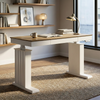
Absolutely. The Eureka Ergonomic commercial team offers exclusive B2B wholesale pricing for commercial projects, interior designers, and business buyers. We also provide 3D space planning support and structural specifications to ensure our premium desks fit your corporate design seamlessly. Reach out to us directly to discuss your project requirements.