Skip to product grid

21 products

Transform Your Workspace with Premium Workstation Accessories

Elevate your productivity and comfort with Eureka Ergonomic's comprehensive collection of workstation accessories. Whether you're setting up a dedicated home office, upgrading a professional workspace, or planning a standardized corporate environment, our carefully curated selection of ergonomic accessories helps you create the perfect working system that promotes better posture, reduces physical strain, and maximizes workflow efficiency.

Why Choose Eureka Ergonomic Workstation Accessories?

Our workstation accessories are designed with your long-term health and daily productivity in mind, adhering to professional ergonomic standards. From adjustable monitor arms that position your screen at the perfect eye level to ergonomic footrests that support proper posture throughout the day, each accessory is engineered to seamlessly complement your standing desk or traditional workstation setup.

Essential Categories for Your Workspace:

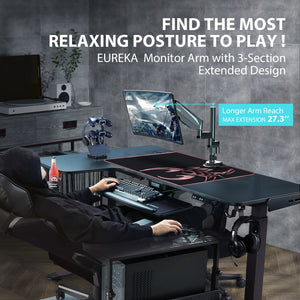
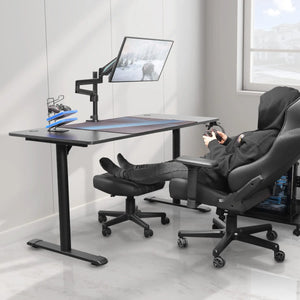
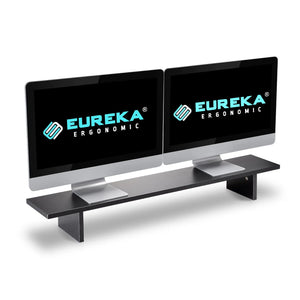
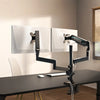
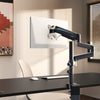
  • Monitor Solutions: Keep your screens at the optimal viewing angle with our single and dual monitor arms, plus sturdy monitor stands that free up valuable desk space for a clutter-free environment.
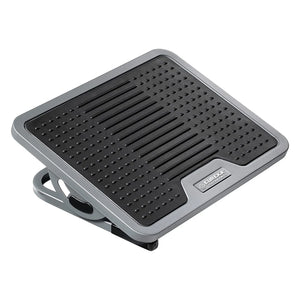
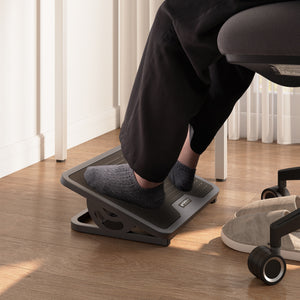
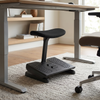
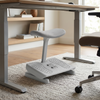
  • Ergonomic Support (HSA/FSA Eligible): Maintain proper posture with our adjustable footrests and footstools. Designed to reduce leg strain and improve circulation during long work sessions, many of our supportive accessories qualify for health savings accounts.
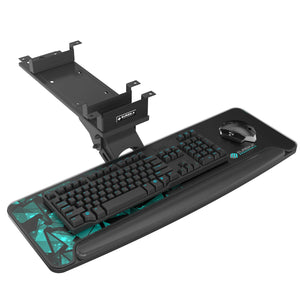
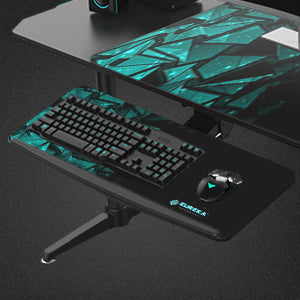
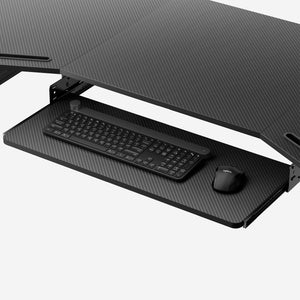
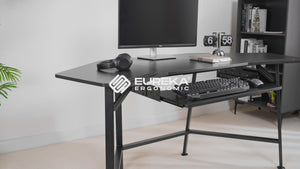
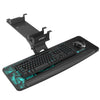
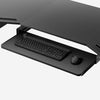
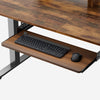
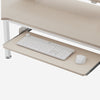
  • Keyboard & Mouse Accessories: Create the perfect typing angle with our pull-out and adjustable keyboard trays, specifically designed to maintain neutral wrist alignment and reduce shoulder tension.
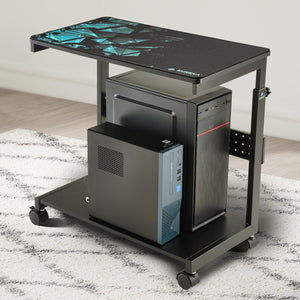
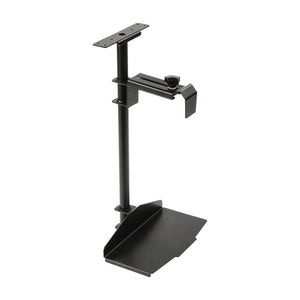
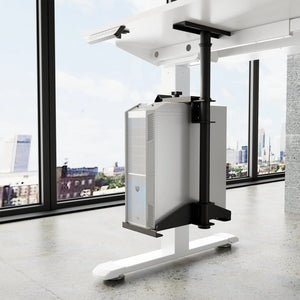
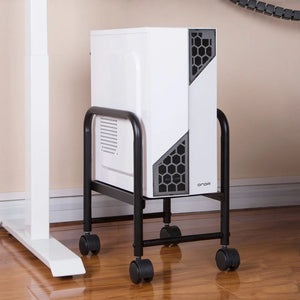
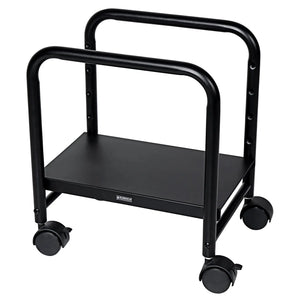
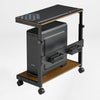
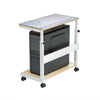
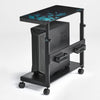
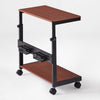
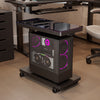
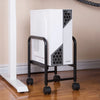
  • CPU Management: Protect your computer hardware and maximize floor space with our modular selection of CPU holders, carts, and stands featuring mobile designs and adjustable heights.
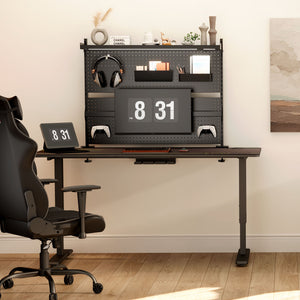
  • Workspace Organization & Privacy: Enhance your productivity with desktop shelves, modesty panels, the versatile Aegispeg board, and innovative lighting solutions that keep everything within reach while maintaining visual consistency across your office.

Benefits of a Proper Workstation Setup:

  • Reduced Physical Strain: Minimize neck, back, and wrist pain with ergonomically positioned equipment that supports natural body mechanics.
  • Increased Productivity: Work more efficiently when everything is optimally positioned, organized, and easily accessible.
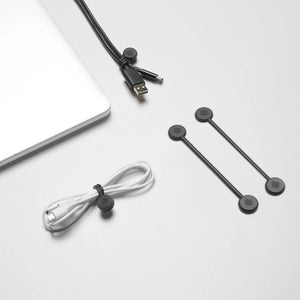
  • Space Optimization: Make the most of your floor plan and desktop with smart storage, cable management, and mounting solutions.
  • Long-term Health Benefits: Prevent repetitive strain injuries (RSI) and maintain better posture throughout your workday.
  • Professional Appearance: Create a clean, standardized, and organized workspace that impresses clients, colleagues, and perfectly aligns with modern interior design aesthetics.

Invest in Your Health & Business

HSA/FSA Eligible Ergonomics

Your health is an investment. Many of our premium ergonomic accessories—including select Adjustable Keyboard Trays and Ergonomic Footrests—are HSA/FSA eligible. This means you can use your pre-tax health savings funds to upgrade your workstation, turning medical compliance into everyday comfort.

B2B & Corporate Space Planning

For interior designers, space planners, and corporate procurement teams, Eureka Ergonomic offers more than just accessories; we provide modular workspace systems. Our integrated cable management kits, modesty panels, and standardized Aegispeg boards ensure visual uniformity and employee privacy across open-plan offices, while our durable construction guarantees a high return on your furniture investment.

FAQ


What's the Difference Between the Single Monitor Arm and Dual Monitor Arm, and Which Should I Choose?

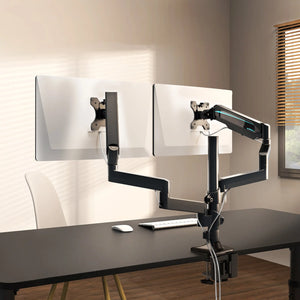
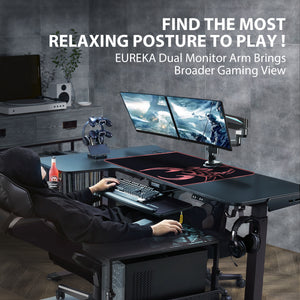
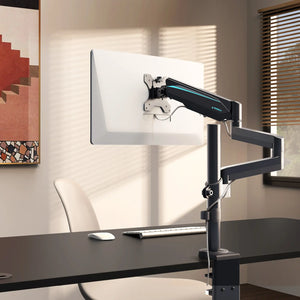
The Single Monitor Arm is perfect for users with one display or those who want to add monitors incrementally. It offers full articulation with tilt, swivel, and height adjustment for screens up to 32 inches. The Dual Monitor Arm supports two monitors simultaneously on a single mount, ideal for multi-tasking professionals, programmers, or traders who need expanded screen real estate. Both arms free up desk space and allow you to position screens at eye level to reduce neck strain. Choose single if you primarily use one monitor or have limited desk space; choose dual if you regularly work with multiple applications or need to reference multiple documents simultaneously.

Can the Carbon Fiber Dual Monitor Stand Support Curved Monitors?

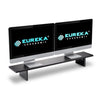
Yes, the Carbon Fiber Dual Monitor Stand can support most curved monitors as long as they fall within the weight capacity specifications. The stand's wide platform design accommodates various monitor bases, including those from curved displays. The carbon fiber construction provides exceptional strength while remaining lightweight, making it an excellent choice for both flat and curved monitor setups. The elevated design also creates valuable storage space underneath for your keyboard, documents, or other accessories.

How Do I Know if I Need the Adjustable Ergonomic Footrest Versus the Footstool With Wheels?

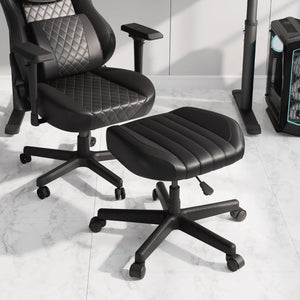
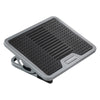
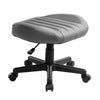
The Adjustable Ergonomic Footrest is ideal for stationary desk setups where you need consistent foot support at various heights and angles. It features multiple tilt positions and height adjustments, perfect for traditional sitting desks. The Footstool with Wheels is designed for dynamic workspaces and standing desk users who need mobile support that can be easily repositioned or moved out of the way. Choose the footrest if you have a fixed workspace and want permanent foot support; choose the wheeled footstool if you alternate between sitting and standing or need flexibility in your workspace arrangement.

What Are the Health Benefits of Using an Ergonomic Footrest at My Desk?

Using an ergonomic footrest provides multiple health benefits backed by ergonomic professionals: it promotes better posture by allowing your feet to rest flat when your chair height doesn't permit floor contact, improves blood circulation by reducing pressure on the back of your thighs, reduces lower back strain by maintaining proper hip and spine alignment, and decreases leg fatigue during extended sitting periods. Our adjustable models allow you to find the perfect angle and height for your specific needs, whether you're tall, short, or anywhere in between.

What's the Difference Between the Adjustable Keyboard Tray and the Pull-Out Keyboard Tray?

The Adjustable Keyboard Tray ($112.99) offers comprehensive ergonomic adjustments including height, tilt, and swivel capabilities, allowing you to achieve the perfect typing angle and position. It typically clamps to your desk edge and provides a larger platform for both keyboard and mouse. The Pull-out Keyboard Tray ($77.99) is a more streamlined solution that slides under your desk when not in use, perfect for smaller workspaces. It offers basic height adjustment through mounting position but focuses on space-saving convenience. Choose the adjustable tray for maximum ergonomic customization; choose the pull-out tray if desk space is at a premium.

Will Keyboard Trays Work With My Standing Desk?

Yes, both our keyboard tray models are compatible with most standing desks. The Adjustable Keyboard Tray's clamp mechanism works with desk edges between 0.5" to 2" thick, which covers most standing desk surfaces. When your desk is in standing position, the tray maintains negative tilt capability to keep your wrists in a neutral position. For sit-stand desk users, the tray moves with your desk, maintaining your preferred ergonomic position whether sitting or standing.

Which CPU Holder Is Best for My Setup: The Mobile CPU Cart, Knob-Operated Holder, or Adjustable CPU Stand?

Each serves different spatial and workflow needs:

  • Mobile Height Adjustable CPU Cart: Best for users who need to frequently access their CPU or want maximum flexibility. Features wheels for easy movement and height adjustment, perfect for corporate IT maintenance.
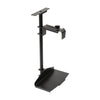
  • Knob-operated Adjustable CPU Holder: Ideal for under-desk mounting to free up floor space and maintain a clean aesthetic. The knob adjustment makes it easy to accommodate different CPU sizes securely.
  • Adjustable CPU Stand: Perfect for budget-conscious users who want basic CPU elevation and mobility. Great for improving airflow and protecting your hardware from floor hazards.

What Is the Height-Adjustable Illuminated Panel CPU Cart, and Who Needs It?

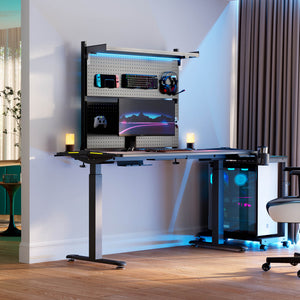
The Height-Adjustable Illuminated Panel CPU Cart is our premium CPU management solution featuring built-in LED lighting that creates an impressive visual effect while providing functional illumination. It's perfect for gaming enthusiasts with RGB-lit systems, creative professionals who want to showcase their custom builds, or designers who work in low-light conditions and need easy hardware access. The height adjustment ensures optimal positioning, while the illuminated panel adds both aesthetic appeal and practical visibility to your workspace.